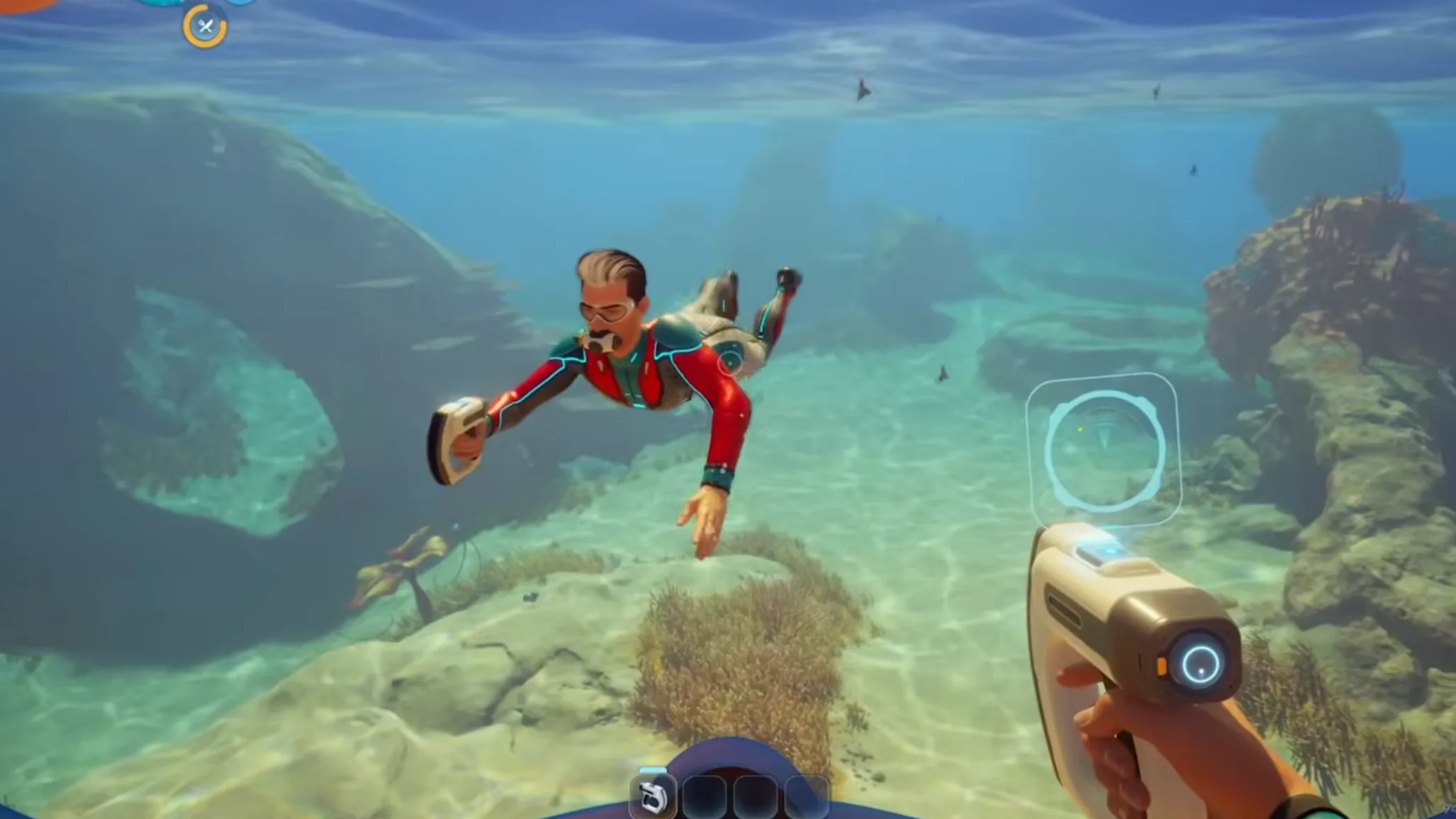

Subnautica 2 UI and UX Dev Vlog Summary: Modular PDA, 3D Map, Feedback Hub, Accessibility
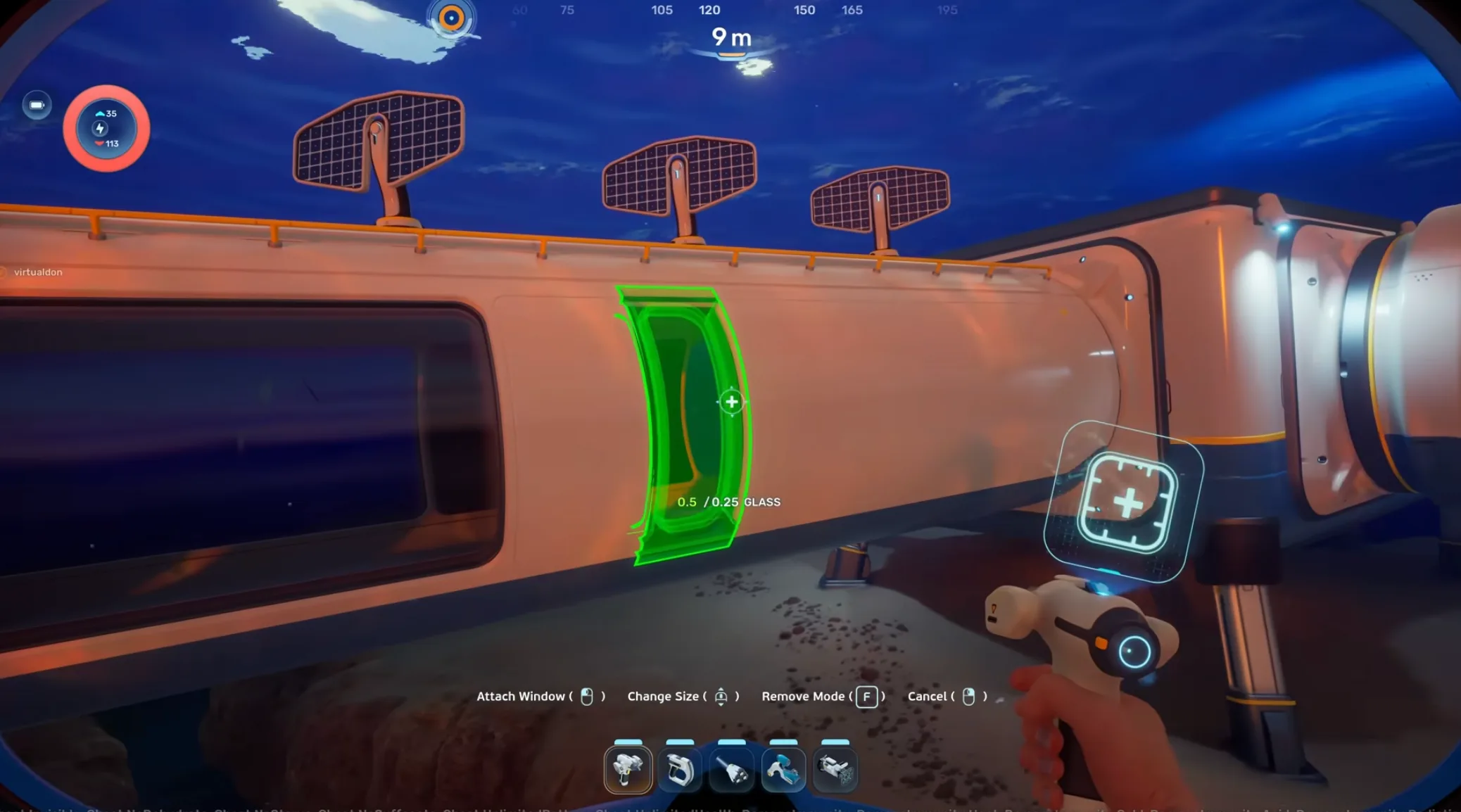
The sixth developer vlog focuses on interface design and player feedback. It covers the modular PDA, contextual HUD, improved mapping tools, the Early Access feedback hub, and accessibility settings.
Key confirmed details
- The PDA has a modular interface with customizable tabs.
- Players can prioritize logs, crafting recipes, DNA data, and other information.
- The HUD can fade back during calm exploration and highlight critical alerts.
- The map system supports better 3D cave visualization.
- Beacon and waypoint management is improved.
- Early Access includes an in-game feedback hub.
- Accessibility options include scalable text, colorblind modes, and flashing light settings.
Modular PDA
The PDA is being redesigned around modular information. Instead of treating every data type the same, players can prioritize the information they need most.
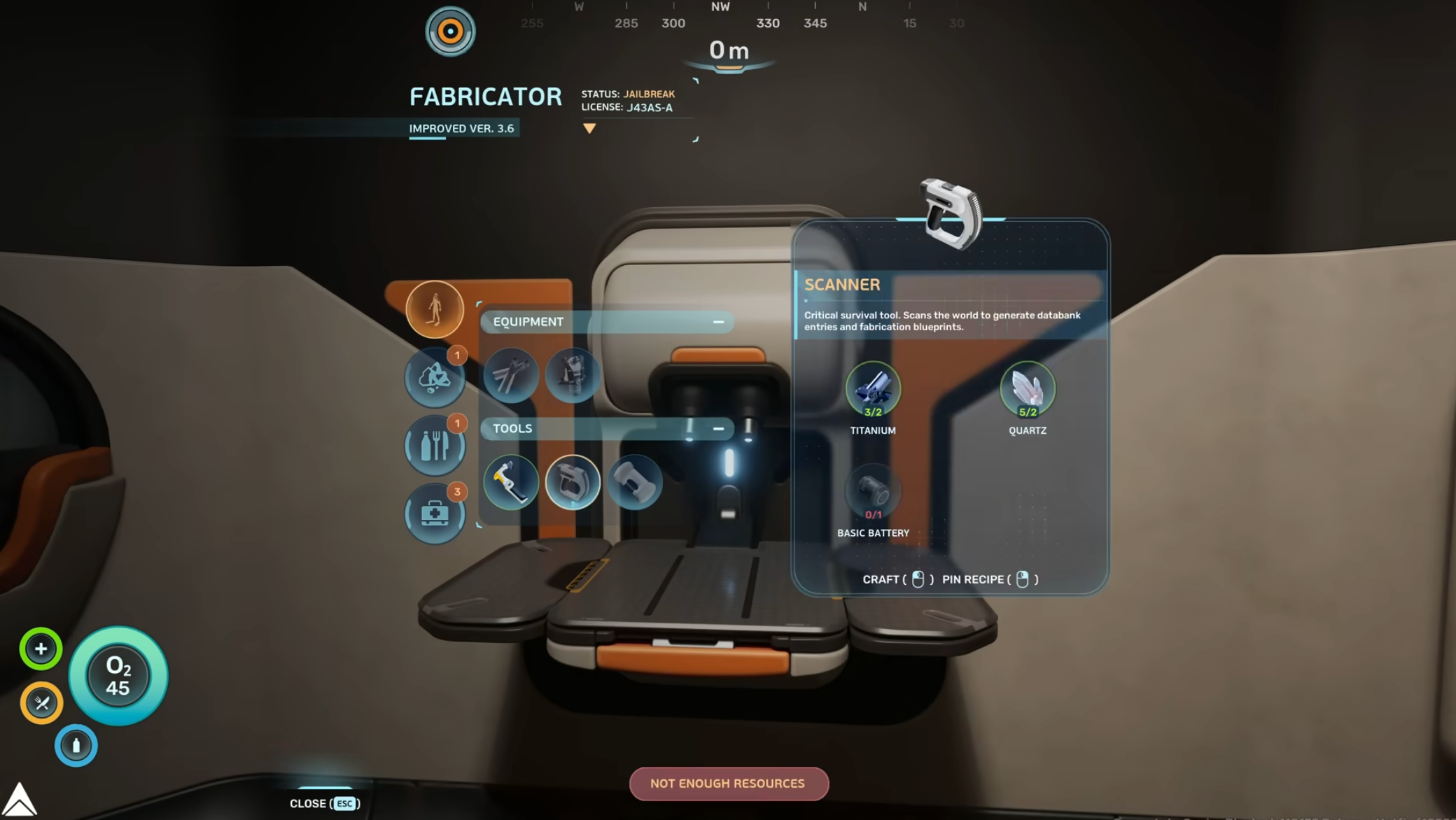
That matters because Subnautica 2 adds more systems than the original loop: DNA sequencing, co-op communication, crafting information, mission logs, and map tools all need clean access.
Contextual HUD
The HUD can fade during calmer exploration and bring critical information forward when the player's biometrics or the environment demand attention.
This keeps the screen cleaner while still supporting survival. Oxygen, hazards, and biological changes can surface when they matter.
Enhanced map system
The vlog confirms a stronger mapping tool with better 3D cave visualization. Beacon and waypoint management also receive attention.
This is one of the most practical quality-of-life changes for Subnautica 2. Cave-heavy exploration is easier to understand when the map can show vertical space more clearly.
Early Access feedback hub
Subnautica 2 will include a feedback tool for Early Access players. Reports can include automated screenshots and coordinate data.
That should help players report bugs and location-specific issues without needing to manually describe every detail.
Accessibility options
The UX team highlights scalable text, colorblind modes, and adjustable flashing light settings.
These options are especially relevant for a dark underwater game with bright effects, UI warnings, and sudden threat signals.
FAQ
What is new about the PDA in Subnautica 2?
The PDA is modular, with customizable tabs for data such as mission logs, crafting recipes, and DNA sequencing.
Does Subnautica 2 have a better map?
Yes. The vlog confirms a stronger map tool with better 3D cave visualization and improved beacon management.
What is the feedback hub?
It is an in-game Early Access tool for sending bug reports and suggestions, including screenshots and coordinate data.
What accessibility options are confirmed?
Scalable text, colorblind modes, and adjustable flashing light settings are highlighted in the vlog.
Next Step: Build Around Your Vehicle Route
If your focus is vehicle progression, use the Crafting Planner to map dependency chains, verify key parts in the Item Database, and stage support modules through the Building Database.
Related Databases And Tools
Guide articles are strongest when they connect directly to the underlying databases, planning tools, and map routes they reference.
Use items and buildings for recipe context, creatures and adaptations for scan and threat checks, blueprints and PDA for unlock/lore chains, then validate route execution in the interactive map and Crafting Planner.
Items
Track raw resources, crafted materials, and progression components.
Buildings
Review base pieces, habitat modules, and construction recipes.
Creatures
Check habitat, threat level, and traversal impact before exploring.
Vehicles
Tadpole core module, chassis options, and Vehicle Bay recipes.
Adaptations & Biomods
Bioscans, biomod slots, and story adaptations.
Blueprints
Unlock requirements and recipe-linked blueprint events.
PDA
Official databank entries, scan notes, and story logs.
Crafting Planner
Break recipes into raw materials, sub-components, and build order.
Interactive Map
Plan routes around resources, cave entrances, and danger zones.